The Magic of Wii & GameCube,Reimagined for iOS.
MeeWii is an intuitive and easy-to-use GameCube and Wii emulator for iOS based on Dolphin iOS, featuring configurable graphics scaling, customizable performance presets, and native support for the SUMEE! ecosystem.
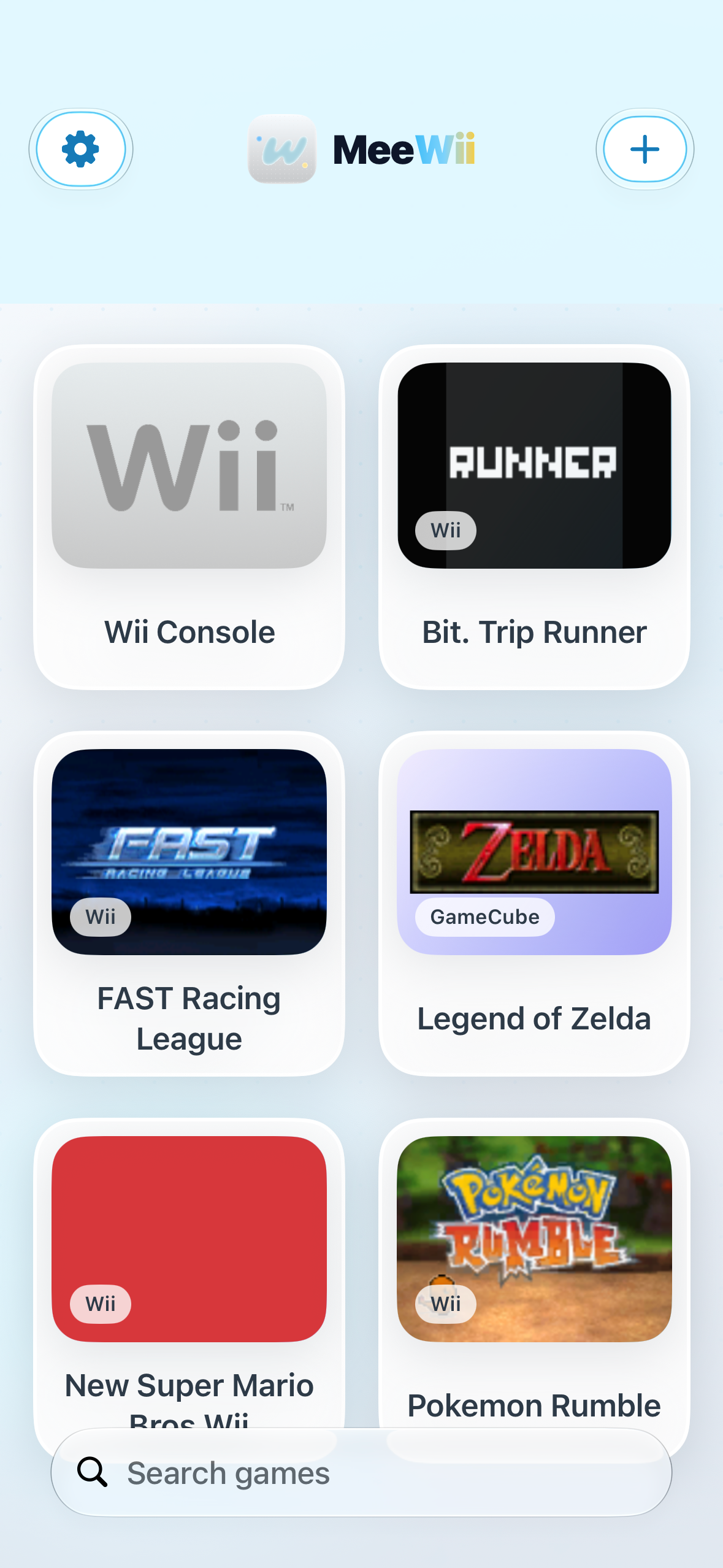
Explore the MeeWii System
Click any channel below to preview its specialized capabilities.
Wii Console Channel
GameCube Channel
SUMEE! Bridge
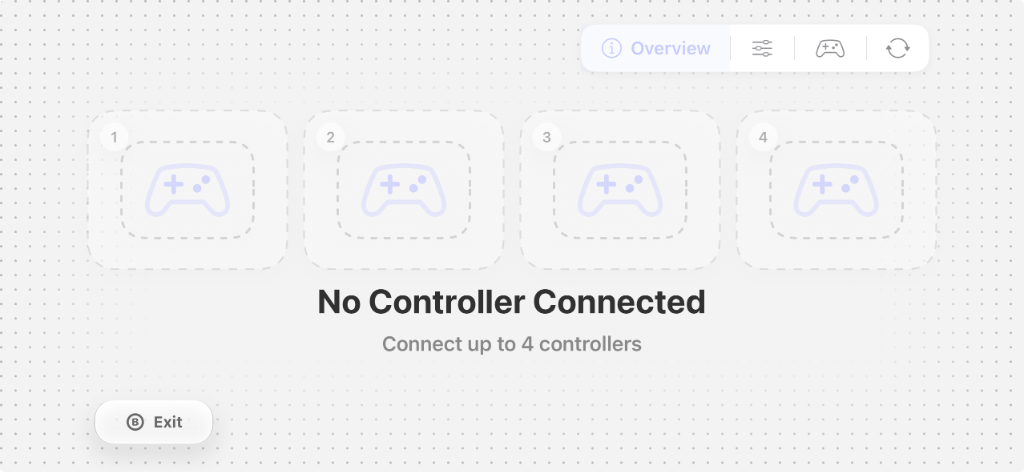
Controller Hub
Wii Console Channel
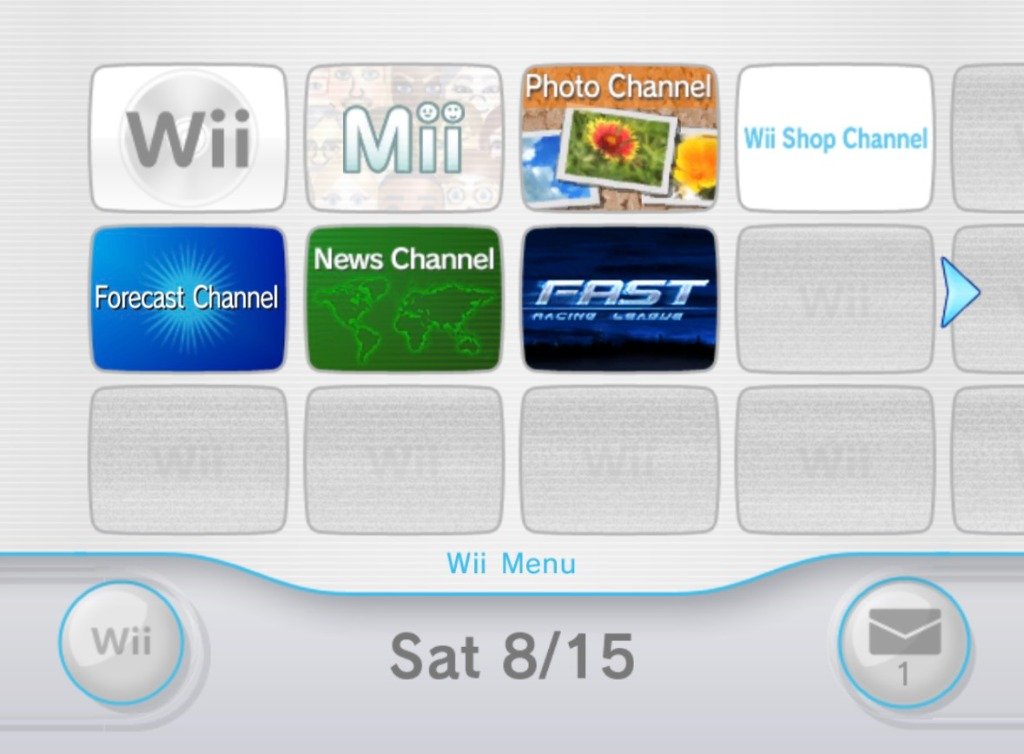
Launch into the authentic Wii System Menu, Virtual Console titles, and custom WiiWare WAD channels with full NAND support.
Perfiles de Rendimiento y Escala Gráfica
MeeWii te ofrece diferentes modos preconfigurados para adaptar la experiencia a la potencia de tu dispositivo y batería.
Rendimiento
Optimizado para máxima duración de batería y velocidad fluida.
Equilibrado
El balance ideal entre nitidez visual y consumo eficiente.
Calidad
Reescalado en alta definición pensado para pantallas Retina.
Personalizado
Ajusta shaders, texturas y tasa de muestreo a tu gusto.
Ajustes y Escala Gráfica
Interfaz Oscura GameCube
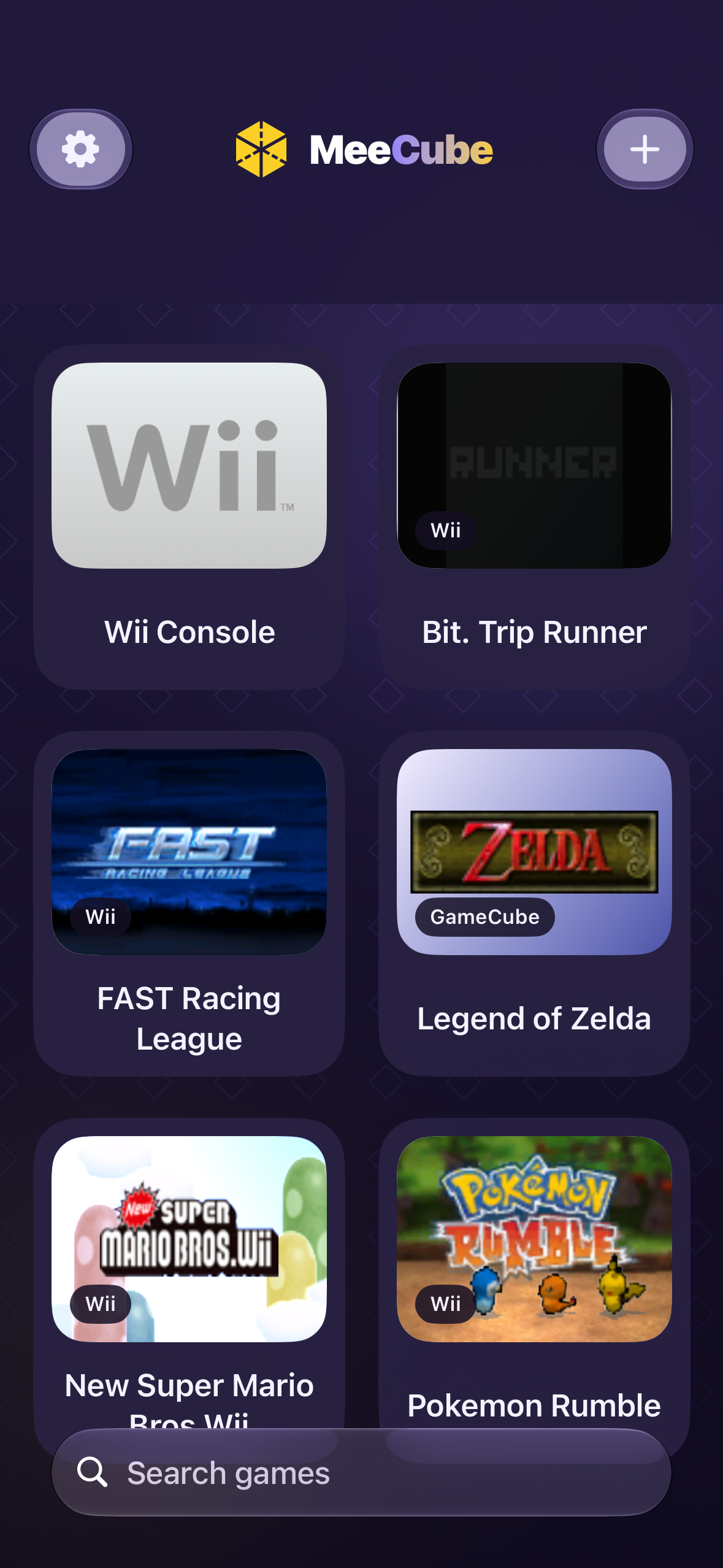
Wii y GameCube conocen iOS
Designed from the ground up to feel right at home on iOS 26, while keeping the authentic charm of classic console menus.

SUMEE! Ecosystem Synergy
Seamlessly integrate with the SUMEE! launcher. Launch Wii & GC titles straight from your SUMEE! console dashboard with synchronized covers and saves.

iCloud Memory Cards
Never lose your save files. GameCube virtual memory cards and Wii NAND saves sync seamlessly across your iPhone, iPad, and cloud backups.
Full Format Support
Direct support for .RVZ, .ISO, .WBFS, .WAD, .GCZ, and homebrew .DOL files. Simple drag-and-drop with the iOS Files app or AirDrop.
Intuitive Motion & IR Controls
Use your iPhone's gyroscope for Wiimote aiming, tap on-screen for IR pointer simulation, or connect real Wii Remotes with Bluetooth.
Better Together: The SUMEE! Connection
MeeWii is built to pair seamlessly with SUMEE!, the ultimate retro gaming OS for iOS.
1-Tap Launch from SUMEE!
Organize your entire multi-platform retro library in SUMEE! and launch into MeeWii without extra taps or setups.
Shared Saves & iCloud Sync
Saves and virtual memory card states are accessible by both apps for effortless continuity.
Mii & Theme Integration
Enjoy matching visual themes, custom soundscapes, and unified controller profiles across the ecosystem.
 MeeWiiSUMEE!
SUMEE! manages your game library, covers, and cheats on iPhone, iPad & TV with AirPlay — and delegates Wii / GC titles directly to MeeWii's Metal 3 core.
Play Your Way
Whether on touch, gamepad, or motion controls, MeeWii responds instantly with zero input lag.
Fluid Touch Controls
Haptic feedback, customizable button layouts, on-screen IR pointer, and gesture-driven shake & swing.
Modern Gamepads
Full support for PS5 DualSense, Xbox Wireless, Nintendo Switch Pro Controller, and MFi gamepads.
Split Joy-Cons
Use two Joy-Cons as a separated Wiimote + Nunchuk combo with full gyro motion support on iOS 16+.
Real Wii Remotes
Experimental direct Bluetooth pairing for original Wii Remotes and Nunchuks for the most authentic experience.
Supported File Formats
Import your lawfully backed-up game dumps in seconds.
Modern compressed GC/Wii format with zero quality loss.
Standard uncompressed disc image format.
Scrubbed Wii backup file format for smaller size.
Wii Channels, Virtual Console & WiiWare titles.
Compressed GameCube disc format.
Homebrew executable files and utilities.
Frequently Asked Questions
Estará disponible una vez que corrijamos todos los errores posibles y optimicemos el rendimiento al máximo. Será muy pronto, estimamos que en 1 o 2 meses.
No, no se necesita JIT. Nuestro objetivo es llevar la emulación directamente a la App Store oficial de Apple sin requerir trucos ni JIT. Al funcionar sin JIT el rendimiento puede variar y ser bajo en varios títulos por ahora, pero estamos apenas comenzando y trabajando constantemente en optimizarlo.
Pronto tendrán más información detallada acerca de ello en este mismo apartado.
¡Sí! Prácticamente cualquier mando con soporte para iOS debería de funcionar sin problemas.
Totalmente Gratis.
MeeWii fue desarrollado y creado por ParienteKun.
Únete a la Comunidad
¿Tienes preguntas, ideas o encontraste un bug? Únete a nuestro servidor de Discord para reportar errores, sugerencias y novedades.
SUMEE! Discord Community
The best place to report bugs, suggest features, share feedback, and stay updated with the latest MeeWii builds.
Join Discord ServerBe the First to Play.
Join the MeeWii open beta directly on TestFlight and experience the next generation of Wii & GameCube emulation on your iPhone or iPad.

Free public access. Available for compatible iOS devices via Apple TestFlight.